
Overview
- How to Archive Client
- How to access “Archive Client” Button
- Via Client Detail
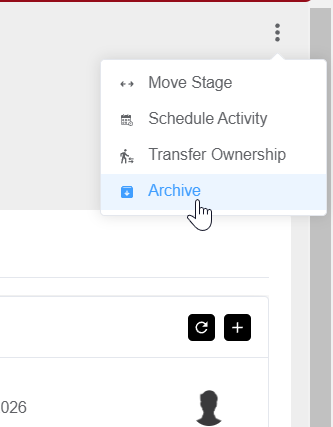
In the "Client Detail" view, click the three dot icon on the right side
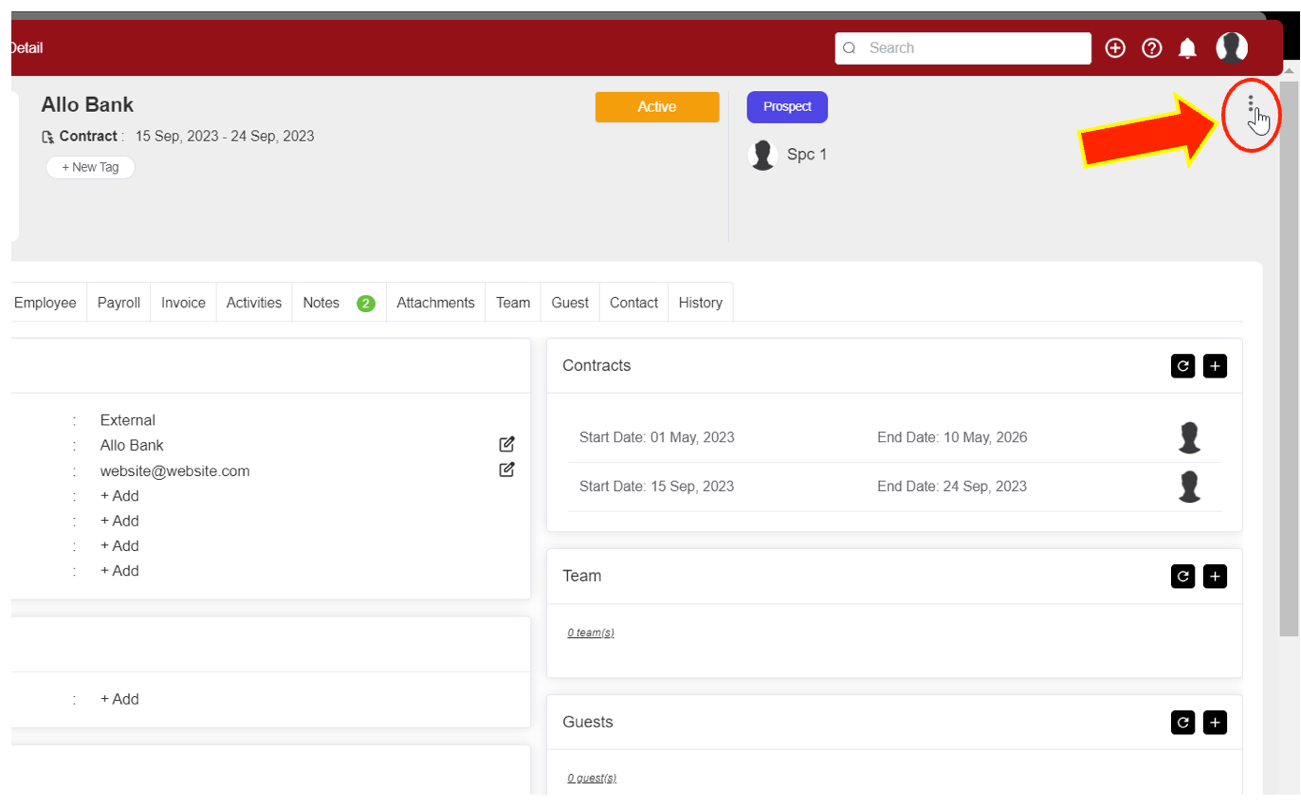
Click the "Archive" button
- Via Client Menu
In the Client Menu, for the Client you want to archive click the three dot icon in the Client Name column

Select “Archive”

After you click the "Archive" button, a popup warning will appear, if you want to keep doing "archive" click OK
